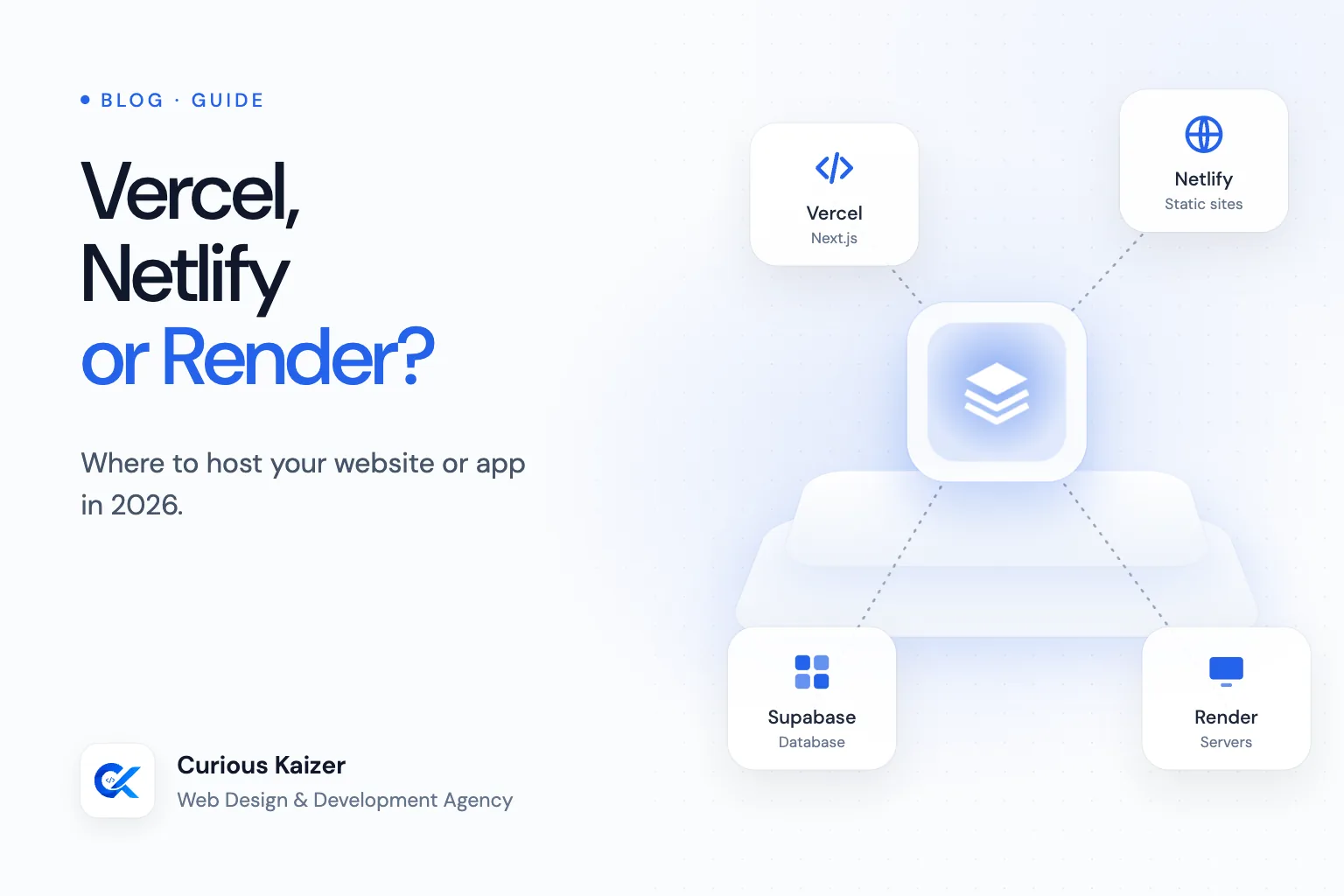
Vercel, Netlify and Render are the three hosting platforms most new websites and apps end up on, with Supabase or Neon behind them for the database. They look similar on a pricing page and behave very differently once real customers arrive. This guide explains what each one is built for, what it costs in 2026, and which one fits a business site, a Next.js app or a backend with workers, with notes for teams in India.
Key takeaways
- Vercel is the natural home for Next.js and fast marketing sites. Its free Hobby plan is for personal, non-commercial use only; business sites need Pro at $20 a month per member, which includes $20 of usage.
- Netlify suits static and Jamstack sites and has built-in forms. Plans run on credits: Free, Personal at $9 a month and Pro at $20 a month with unlimited members.
- Render runs always-on servers, background workers, cron jobs and Postgres. Free services sleep after 15 minutes; an always-on instance starts at $7 a month.
- Supabase and Neon are the usual Postgres databases behind them. Put the database and your server functions in the same region, ideally Mumbai or Singapore for Indian users.
- A Shopify store does not need any of these. Shopify hosts it.
Vercel, Netlify and Render at a glance
Prices are from each company's pricing page and documentation in November 2026, in US dollars. All three bill usage above the plan, so treat these as starting points.
| Vercel | Netlify | Render | |
|---|---|---|---|
| Built for | Next.js, React and static sites, serverless functions | Static and Jamstack sites, forms, serverless functions | Always-on web servers, workers, cron jobs, Docker |
| Free plan | Hobby: personal, non-commercial use only | Free: 300 credits a month | Free web services that sleep after 15 minutes idle |
| Paid entry | Pro: $20 a month per member, $20 usage included | Personal $9 a month; Pro $20 a month, unlimited members | From $7 a month per always-on service |
| Long-running jobs | Limited; functions have time limits | Limited; functions have time limits | Yes: background workers and cron jobs |
| Database | Through partners such as Neon and Supabase | Through partners | Managed Postgres built in |
Vercel: built for Next.js
Vercel started in 2015 as ZEIT and renamed itself in 2020. It created Next.js, the React framework many modern sites and apps use, and its platform is tuned for it: every git push gets a preview link, pages are cached on a global network, and server code runs as functions close to visitors. This website runs on Vercel.
The detail many small businesses miss is the licence. Vercel's Hobby plan is free but limited to personal, non-commercial projects. A business site belongs on Pro, which costs $20 a month per team member and includes $20 of usage credit; traffic, function time and image work above that are billed by use.
Pick Vercel for
A fast company website or store front-end, a Next.js web app, landing pages that need preview links for every change.
Think twice for
Jobs that run for minutes, long-lived WebSocket connections or heavy background processing. Run those on a server platform and call them from Vercel.
Our Next.js production guide and edge rendering guide go deeper on how to set a Next.js app up well.
Netlify: static sites and forms
Netlify popularised the "Jamstack" idea: build pages ahead of time, serve them from a global network, and add small functions only where needed. It still does this very well, and it has useful extras such as built-in form handling, which since April 2026 includes unlimited form submissions on its credit-based plans.
Netlify moved to credit-based pricing in 2025. The Free plan has 300 credits a month, Personal is $9 a month with 1,000 credits, and Pro is $20 a month with unlimited team members. Each production deploy uses 15 credits, while preview deploys are free, so a site that ships many times a day will spend credits faster than one that changes weekly.
Render: real servers without DevOps
Render grew as the place many teams moved to after Heroku ended its free plans in November 2022. It runs the things Vercel and Netlify are not designed for: an API server that stays on, a background worker that sends WhatsApp messages or processes orders, a scheduled job that runs every night, or any app packaged in Docker. It also offers managed Postgres.
The free tier is fine for experiments but not for customers: free web services sleep after 15 minutes without traffic and take about a minute to wake up, and free Postgres databases expire after 30 days. Moving a service to the $7 a month Starter instance (512 MB of memory, half a CPU) keeps it running all the time.
If your app takes a minute to load the first time each morning, it is almost certainly on a free plan that went to sleep. That first minute is often when your best lead tries it.
The database: Supabase or Neon
Most apps on these platforms store their data in Postgres, usually from Supabase or Neon. Supabase bundles Postgres with sign-in, file storage, realtime updates and edge functions, which makes it quick to build a full app. Neon focuses on Postgres alone, with instant database branches for testing and compute that scales down to zero when idle; Databricks agreed to buy Neon for about $1 billion in May 2025.
We compare the two in detail, with costs and when to choose each, in Neon vs Supabase. For most business apps we build, Supabase is the faster start because sign-in and storage come with it.
Hosting for Indian users
A visitor in Delhi feels every round trip to a server in the United States. Three settings make the biggest difference:
- Put server code and the database in the same region. Vercel lets you run functions in Mumbai, Supabase offers a Mumbai region, and Render offers Singapore. A function in Mumbai talking to a database in Virginia is slower than both in Virginia.
- Cache what does not change. Pages, images and product lists can be served from the nearest edge location instead of being rebuilt for every visitor.
- Plan for billing in dollars. These services charge a card in US dollars, so enable international transactions on the card you use and expect GST to be handled on your side.
Our speed optimisation service fixes exactly these problems on existing sites.
Which one should you pick?
| Your project | Good choice | Why |
|---|---|---|
| Company website or landing pages | Vercel Pro or Netlify | Fast global delivery, preview links, little to maintain |
| Next.js web app or customer portal | Vercel, with Supabase or Neon | First-class Next.js support and functions near your database |
| API with background jobs, queues or WebSockets | Render, with its Postgres or Supabase | Always-on servers, workers and cron jobs |
| Online store | Shopify, or a custom front-end on Vercel | Shopify hosts the store, checkout and payments |
| A CRM or ERP with many integrations | Vercel front-end and a Render or Supabase backend | Each part runs where it is strongest |
Hosting is rarely the expensive part of a project; a slow or unreliable setup is. If you are planning a new app, our web app development and backend development teams can set this up so it stays cheap at the start and scales when it needs to. For stores, read the best ecommerce platform for India first.
Questions about hosting
Can I host my business website on Vercel for free?
No. Vercel's Hobby plan is for personal, non-commercial projects. A business site should be on Pro, which is $20 a month per team member with $20 of usage included.
Which is cheapest: Vercel, Netlify or Render?
For a small static site, Netlify's Personal plan at $9 a month is the lowest paid entry. For an always-on backend, Render starts at $7 a month per service. The real cost depends on traffic, function time and how often you deploy.
Why does my app take a minute to load the first time?
It is probably on a free plan that sleeps when idle, such as Render's free web services, which sleep after 15 minutes. A paid always-on instance removes the delay.
Do I need Vercel or Render for a Shopify store?
No. Shopify hosts the store, checkout and payments. You only need another host if you build a custom front-end for Shopify or run separate apps alongside it.
Where should I host an app for users in India?
Choose a region close to your users for both the server code and the database: Mumbai where the provider offers it, otherwise Singapore. Keep both in the same region.
Sources and method
Plans and limits come from each provider's pricing page and documentation, checked in November 2026. Prices are in US dollars before tax.
- Vercel pricing page and Hobby and Pro plan documentation.
- Netlify documentation on credit-based plans, and the Netlify changelog for April 2026 pricing updates.
- Render pricing page and "Deploy for Free" documentation on free instance limits.
- Databricks announcement of its agreement to acquire Neon, May 2025.
- Heroku's announcement ending free dynos and Postgres, November 2022.
Not sure where your app should live?
We build websites, web apps and backends on platforms like Vercel and Supabase, set up so they stay fast for Indian users. Tell us what you are building.